Bug bounty writeups, program reviews, hunter tips, and reports from platforms like Immunefi, HackerOne, and Bugcrowd. Real findings, real payouts, real lessons.

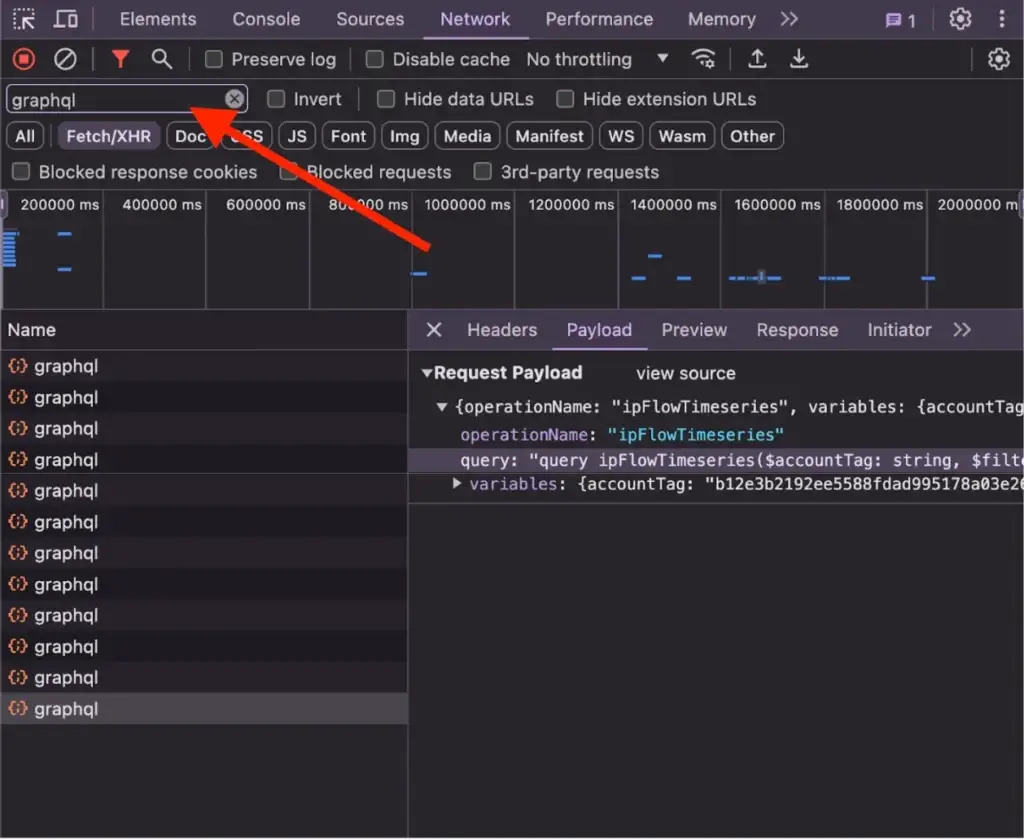
Three weeks into a hunt on a well-known B2B SaaS program on HackerOne, I was watching network traffic in Chrome DevTools when a lazy-loaded chunk finally appeared: banned-page.f8a3c2d1.chunk.js.
I’d been grepping through the main webpack bundle for weeks. I had the UpdateBannedOrganization mutation in my notes. But I couldn’t find where or how the client actually called it, because my test organization wasn’t banned.

This post is about what depth actually looks like on a mature target. Not the clean “recon → exploit → report” arc. The real thing: dead ends, lazy-loading walls, and the patience most hunters don’t have.
Note: The target in this post is disclosed as redacted.com — a well-known program on HackerOne. All findings were reported through the proper disclosure process. No real organization data was accessed or modified.
Why I Chose This Target
I picked redacted.com over other properties on the same program for a specific reason: it’s a B2B SaaS platform. Corporate accounts, billing workflows, document verification, user roles, organization states. Complex business logic always means more state machines — and more state machines means more opportunities for inconsistent validation.
The first thing I did was read the entire program policy. Not skim it. Read it. Most hunters skip this. Mature programs like this one are explicit about what they want: they don’t want another “user can view their own email” report. They want impact.
The business model tells you where to look:
| Feature Area | Why It’s Interesting |
|---|---|
| Organization approval workflows | Multi-state transitions with compliance implications |
| Document verification | Validation checks that may differ between frontend and backend |
| User roles within orgs | Permission boundaries across member, admin, billing contact |
| Banned/rejected org states | Terminal states that should be strictly enforced |
The first week looked exactly like everyone else’s week one: testing IDOR patterns on org UUIDs, probing organization switching, trying to escalate from member to admin. Everything was hardened. The obvious stuff had been found and fixed years ago.
That doubt you feel at that point — is this target too mature? — is actually useful. It forces you to decide: dig deeper, or move on. Opportunity cost is real in bug bounty hunting. I decided to dig.
Extracting the GraphQL Surface from Webpack Bundles
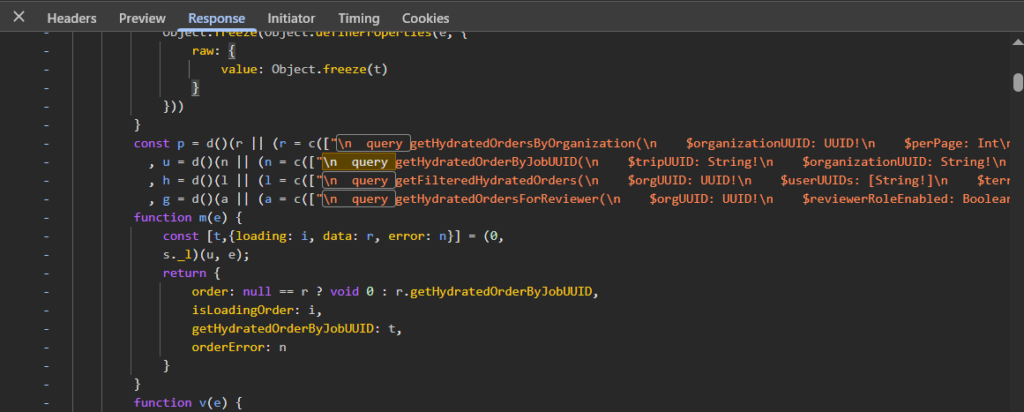
Modern SPAs don’t give you an API documentation page. The entire API surface is compiled into JavaScript bundles, split into chunks, and loaded on demand. If you want to know what mutations exist, you have to extract them yourself.
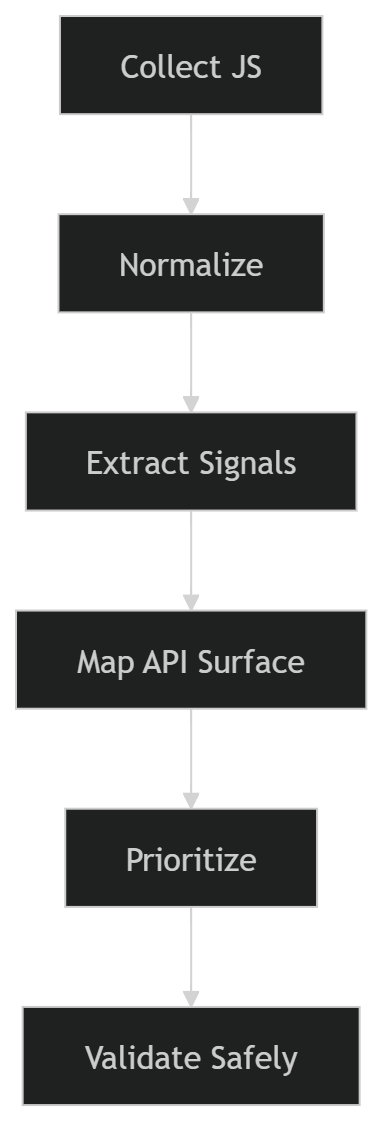
My process:
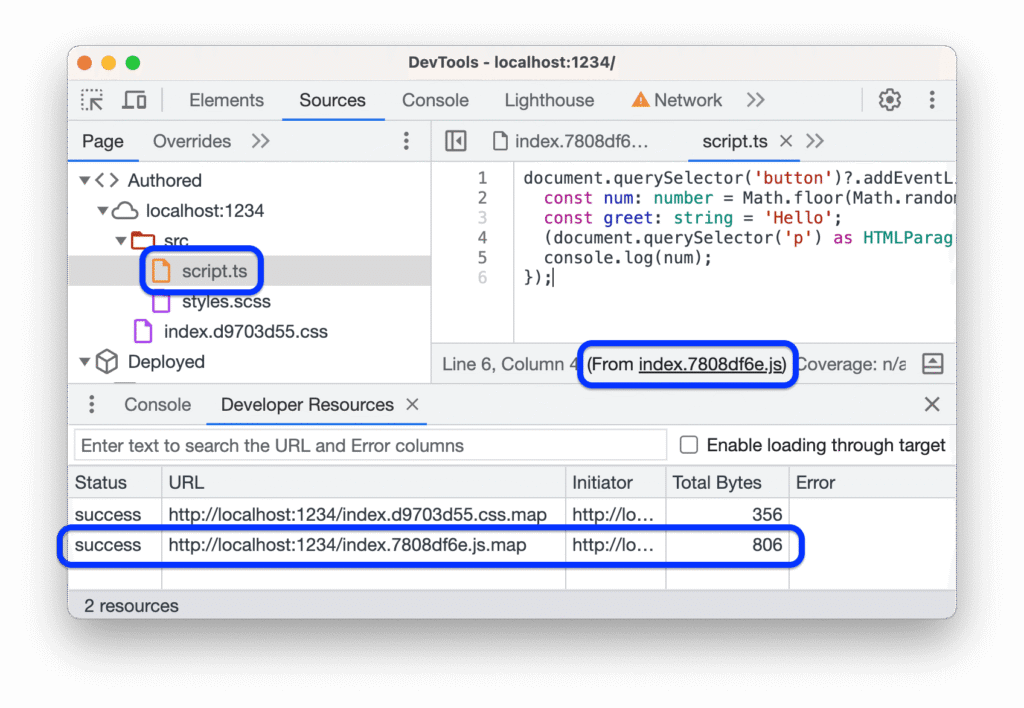
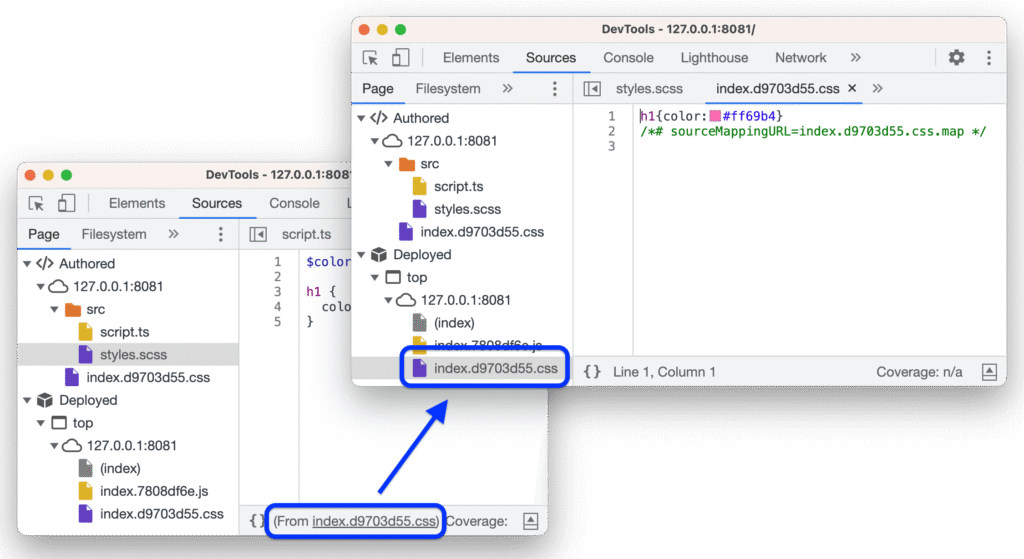
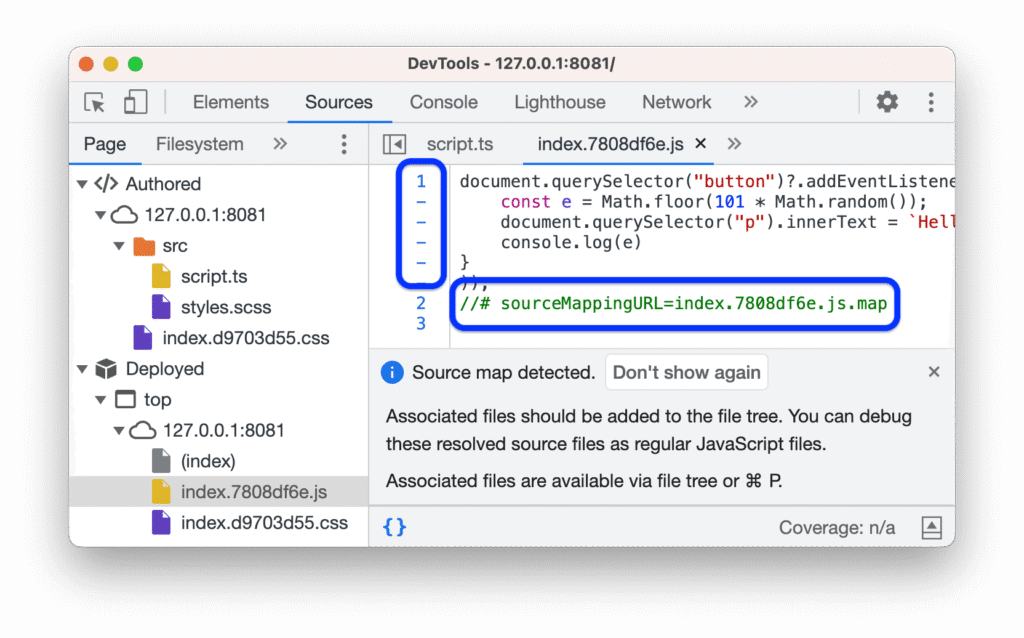
- Download every chunk — not just the main bundle. Check the Sources tab in DevTools and watch the network tab as you navigate through the app. I grabbed around 40 files.
- Format them all. Minified code is unreadable and unsearchable. I ran everything through Prettier:
find ./bundles -name "*.js" -exec prettier --write --single-quote {} ;Then grep for GraphQL patterns:
grep -n "mutations|querys|fragments" *.js > graphql_operations.txt
grep -n "gql`|graphql(" *.js > graphql_usage.txt
Two views: where operations are defined, and where they’re used. The gap between those two lists is where things get interesting.
I found UpdateOrganization quickly — standard mutation for editing org details. Then I found UpdateBannedOrganization. A specific mutation for updating a banned org’s state means it’s a privileged operation. Who can call it? What does it accept? The schema definition was there, partially:
mutation UpdateBannedOrganization($params: UpdateBannedOrganizationRequest!) {
  updateBannedOrganization(params: $params) {
    success
    organization { id status }
  }
}
But TypeScript types get stripped at compile time. I had the mutation name and a partial schema. I needed to see it actually called.
The Finding That Opened Everything
A few weeks in, I caught a break on a different mutation. Organizations in MANUAL_REVIEW_STATUS_DOCUMENTS_REQUESTED state are required to upload specific documents before approval. The app shows a form with required fields.
I intercepted the submission in Burp Suite and modified the request to send requiredApprovalDocuments: [] instead of the actual document list. It went through. The org moved to the next approval state without uploading anything.
Document verification bypass. Confirmed, reported, accepted as a critical finding.
But more importantly, it shifted how I was thinking. If validation on document requirements was this loose, what about other state transitions? Could banned state be manipulated the same way?
When Static Analysis Hits a Wall
I started testing UpdateBannedOrganization with everything I could think of:
| Params Sent | Response | Actual State Change |
|---|---|---|
params: {} |
200 OK, success: true | None |
organizationId only |
200 OK, success: true | None |
status: "ACTIVE" |
200 OK, success: true | None |
banned: false |
200 OK, success: true | None |
banStatus: "CLEARED" |
200 OK, success: true | None |
Every request returned success. Nothing changed. This is where most hunters move on — “tried it, doesn’t work.” But a success response is not the same as success. The backend can return 200 OK with a success: true flag and do absolutely nothing. The mutation exists for a reason. It gets called somewhere.
The problem was structural. The mutation was in the main bundle as a definition, but the actual call site — the component that builds the params object and fires the request — wasn’t there. That code was lazy-loaded.
Modern React apps code-split by route. When you navigate to /orgs/:id/banned, the app loads a separate chunk containing everything specific to that view. I couldn’t trigger that route because my test org wasn’t banned. And I couldn’t get it banned because I didn’t know the correct mutation params. A perfect loop.
Most write-ups don’t show this part. They show the clean path from recon to exploit. They skip the weeks of being stuck waiting for a chunk to load that you can’t trigger.
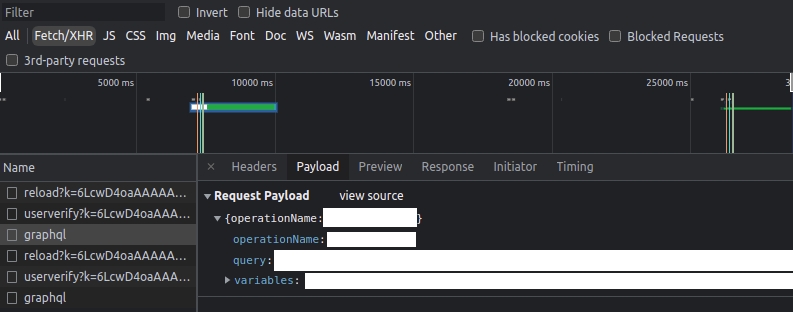
My solution: set up Burp to intercept all traffic passively, and wait. When I eventually needed to review a banned organization for other testing purposes, that chunk would load. When it did, I’d capture the actual mutation call with real parameters. No guessing required.
The Methodology That Actually Works
If you’re spending 3-4 weeks on a single target, “poke around and see what breaks” is not a strategy. Here’s what worked for me.
Phase 1: Understand the Business (Days 1-3)
Read everything public: help docs, admin guides, release notes, onboarding flows. You’re trying to understand the domain model well enough to predict where security boundaries should exist — so you notice when they don’t.
Map out: what can each user role do? What states can an organization be in? What transitions between states exist? What actions are irreversible?
Phase 2: API Surface Extraction (Week 1-2)
Download and format all webpack chunks. Build a reference document of every operation you find. Mine looked like this:
## Mutations
- UpdateOrganization      → Edit org details
- ApproveOrganization     → Admin-only, moves pending org to approved
- UpdateBannedOrganization → ??? usage not found (lazy-loaded)
- RequestDocuments        → Triggers document upload requirement

## Queries
- GetOrganization(id)           → Full org object
- ListOrganizationMembers(orgId) → Users in org
You’ll miss the lazy-loaded stuff. That’s expected. This is your starting point, not your complete picture.
Phase 3: Happy Path First (Week 2-3)
Create accounts in every role. Execute every feature exactly as intended. Capture everything in Burp. Save baseline requests for every legitimate action.
When something behaves unexpectedly later, you need to know what the legitimate call looked like. What headers? What cookie state? What was the exact param structure?
Phase 4: State Transition Hunting (Week 3+)
Anything with an arrow in your domain model is a target. Test state transitions:
- With the wrong role
- With a different org’s UUID
- With params missing
- Backwards — can you move from approved back to pending?
- Skipping steps — can you jump from pending directly to active?
Creation endpoints tend to have strict validation because they get more code review attention. Update endpoints sometimes get lazy: “We’re just modifying an existing record, what’s the harm?” That asymmetry is where bugs hide.
What Separates Productive Hunters
Four months on one program gives you opinions. Here’s what I actually believe now:
| Common Belief | What I Actually Think |
|---|---|
| Breadth beats depth | On mature programs, depth beats breadth. On new programs, reverse is true. |
| Dead ends waste time | Dead ends narrow the search space. They’re data. |
| Static analysis is enough | Code shows capabilities. Traffic shows reality. The gap is where bugs are. |
| More automation = more bugs | On complex B2B apps, clean manual observations beat noisy automated scanning. |
The compounding effect of context is real. In week one, I was just learning the app. By week four, I could look at a mutation name and immediately reason about which backend service it probably touches and what that means for validation strictness. That intuition only comes from accumulated time on target.
Practical Things You Can Actually Use
Script your extraction pipeline early. Don’t grep manually every time:
#!/bin/bash
find ./bundles -name "*.js" | while read file; do
  grep -H "mutation|query|fragment" "$file" >> operations.txt
done
Map state machines explicitly, even just in a text file:
Org States:
PENDING → MANUAL_REVIEW → APPROVED → ACTIVE
                         → REJECTED
                         → BANNED

Test questions:
- Can you skip MANUAL_REVIEW entirely?
- Can you go from REJECTED back to APPROVED?
- Can you self-serve out of BANNED state?
Know what these signals mean when you see them:
| Signal | What It Means |
|---|---|
| Mutation exists but no call site in bundle | Probably lazy-loaded — wait for the right app state |
| Feature visible in UI but no API calls captured | Might be server-side rendered or WebSocket-driven |
| 200 OK + success: true but no state change | Wrong params or silent permission check — don’t quit yet |
| Enum value in bundle that doesn’t appear in any UI | Hidden state — find out what triggers it |
Common Questions
How do you know when to quit vs. dig deeper?
Two weeks is my personal cutoff. If I haven’t seen anything interesting in two weeks — not a bug, just something unexpected — I move on. “Interesting” means a weird API response, an inconsistent validation pattern, a feature more complex than it should be. If everything is perfectly hardened and boring, the signal-to-noise ratio isn’t worth it.
What if the target uses REST instead of GraphQL?
Same concept, different grep patterns. Look for fetch(, axios.post(, API base URL constants. Check if the app loads an OpenAPI spec or Swagger UI client-side. The extraction method changes, the methodology doesn’t.
Is depth always the right strategy?
No. On new or smaller programs, breadth wins — collect the obvious bugs and move on. Depth makes sense when the program is mature, pays well for high-severity findings, and has complex business logic worth investing time into. Match the strategy to the target.
The Real Point
Most hunters test the obvious surface and move on. On programs where everyone is doing the same thing, you need a different approach. Going deeper means longer hunts, more dead ends, and a lot more patience. It also means finding the bugs that actually pay — and more importantly, the bugs that actually matter.
The frontend always has more than it shows. The backend almost always has looser validation than you’d expect. The gap between those two facts is where real findings live.
If you haven’t read the previous post on mapping GraphQL operations beyond introspection, that’s a good starting point before applying any of this.